ZenoWorks Sudoku

ZenoWorks Sudoku

ZenoWorks Sudoku
ZenoWorks Sudoku — 4 difficulty levels to test your logic!
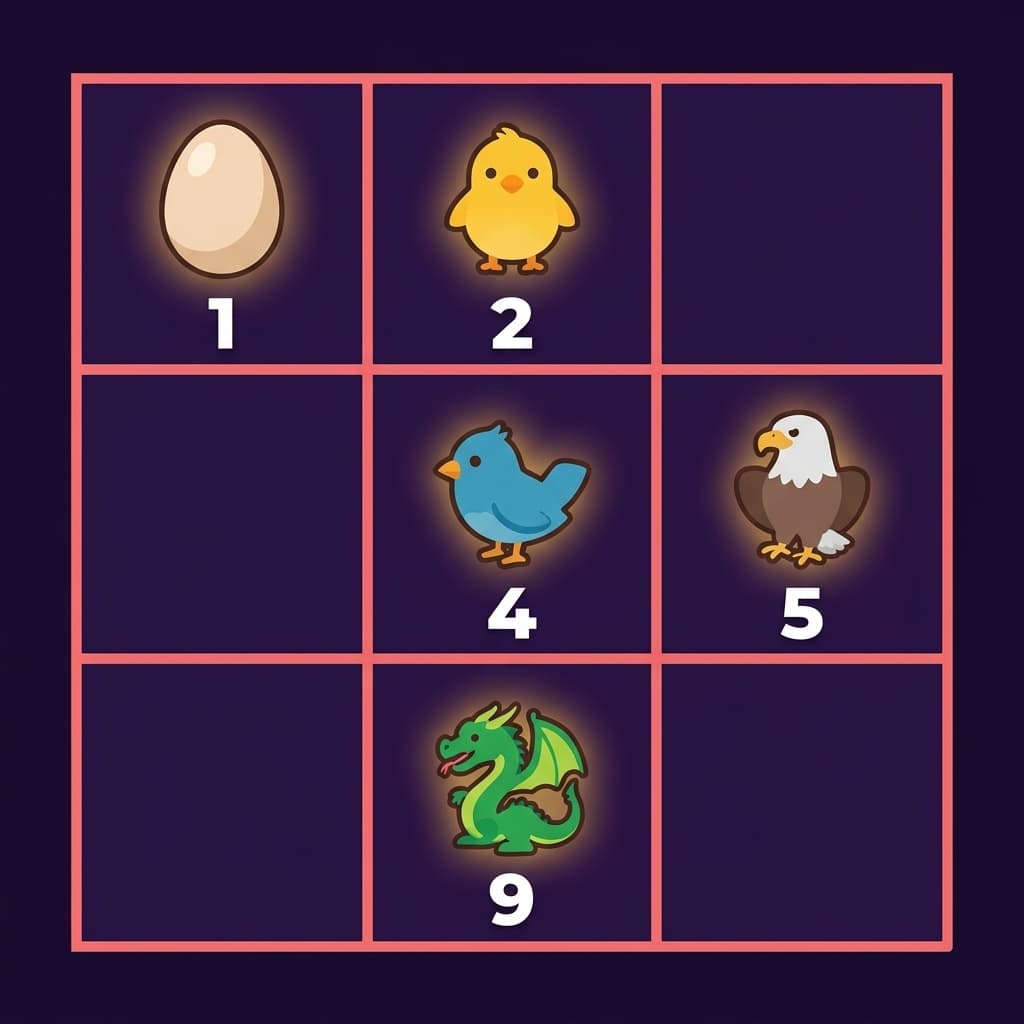
A classic Sudoku reimagined with adorable baby creatures! From Mystery Egg to Eternal Dragon, 9 unique babies across 4 difficulty levels. Switch between number and baby display modes, with notes to track your candidates. Fun for all ages!
PuzzleLogicSudoku
More from ZenoWorksSee all →
One day it struck me that sudoku does not actually need numbers. At its core it is combinatorics — nine things that differ from one another, each appearing once per row, per column and per box. What those nine things are is completely irrelevant. We use digits out of habit, nothing more.

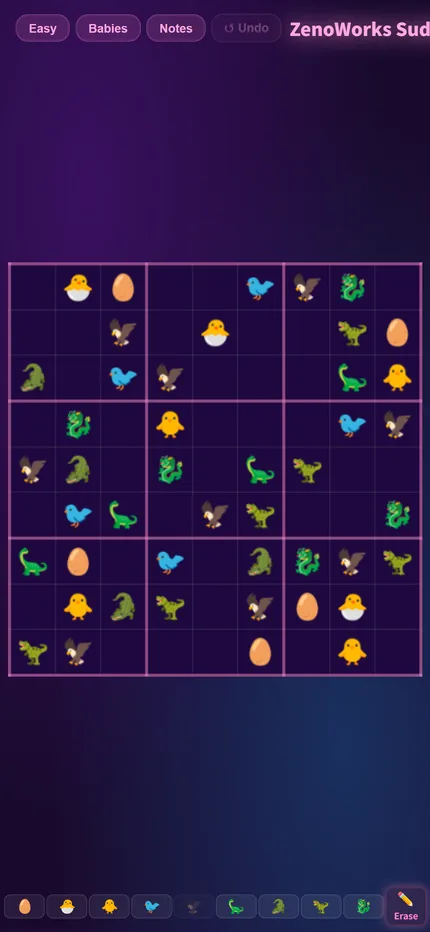
So there is a Baby mode where the digits become baby pictures. The rules are identical, but reading the grid feels entirely different — digits are symbols you decode, pictures are shapes you recognise, and those use different instincts. If you are tired of numbers, try the babies.

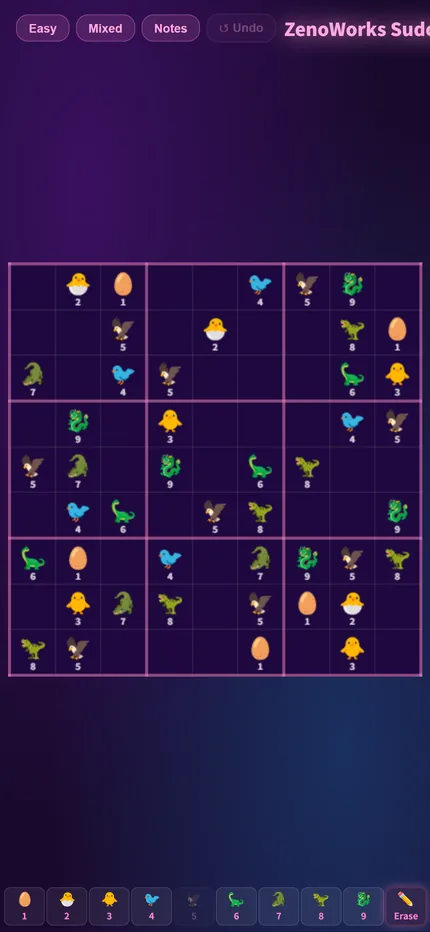
Mixed mode exists as a bridge. Jumping straight from digits to all pictures throws most people; for a while you simply cannot tell which is which. Mixed shows both at once, and after a few rounds the pictures read as fluently as the digits did — then pure Baby mode feels natural. It is not a difficulty setting, it is an adjustment period.

You can switch modes at any time, including halfway through a puzzle.
1
Goal: Once in Every Row, Column and Box
The 9x9 grid is divided into nine 3x3 boxes. Fill it so that each of the nine babies (or the digits 1–9) appears exactly once in every row, every column and every box.
2
Baby Mode and Number Mode
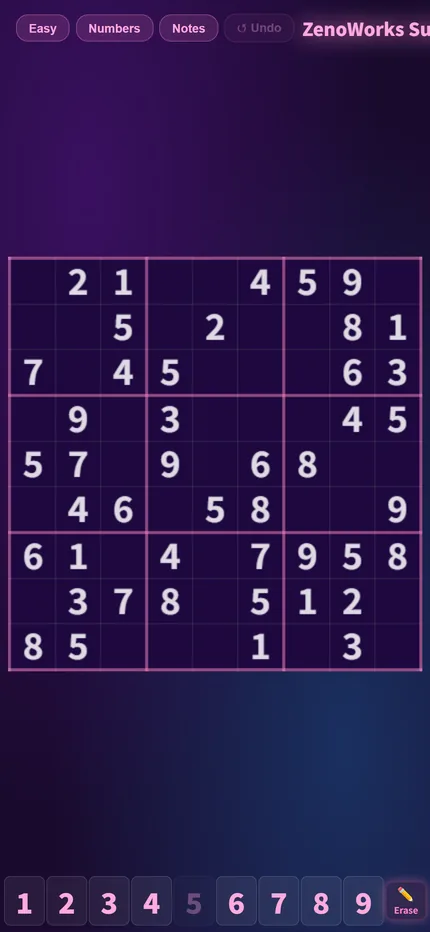
Switch to numbers-only mode at any time — the rules are identical. If babies are new to you, start in Mixed mode, which shows both symbol sets at once, then move to pure Baby once your eye adjusts.
3
Notes
When a cell has several possibilities, use Notes to record all the candidates inside it and narrow them down by elimination later. From Hard upwards, notes are close to essential — pure mental arithmetic rarely carries you through.
4
Four Difficulties
Easy, Normal, Hard and Expert. The difference lies in how many cells are filled in at the start and how deep the required reasoning goes.
1
Look for cells with only one candidate left
For an empty cell, rule out every baby already present in its row, column and box. If exactly one option survives, that cell is settled. This is the most basic and most used technique — Easy and Normal usually fall to it alone.
2
Then reverse it: only one cell in the box can hold it
Flip the question round: take one baby and ask where it can go inside a given box. If only a single cell can hold it, that cell is settled — even if that cell still has several candidates of its own. This is stronger than the first technique, and forgetting it is the usual reason people get stuck.
3
From Hard up, always use notes
Hard puzzles usually turn on comparing the candidates of several cells at once, and memory drops things. Once the candidates are written down, patterns like "these two cells share the same pair, so no other cell in the unit can take either" become visible.
4
Stuck? Switch the symbol mode
A trick unique to this version: look at the same grid again with the other symbol set. Recognising shapes and reading digits use different instincts, and a pattern invisible in one representation sometimes jumps out in the other.
First playable build: the 9x9 grid, four difficulties and the notes feature.
Adjusted the colour scheme, redesigned the home screen and added a lives system.
Selecting a number now highlights every matching cell on the board, making candidates easier to spot. The lives system was removed in favour of unlimited attempts — sudoku is about reasoning, not about punishing slips.
Enlarged the grid so it is easier to tap on mobile.
The game now opens straight into difficulty selection instead of a language page first. Added sharing on the results screen.
Tidied up the difficulty cards; fixed the board drifting off-centre after rotating a tablet.

Play Now

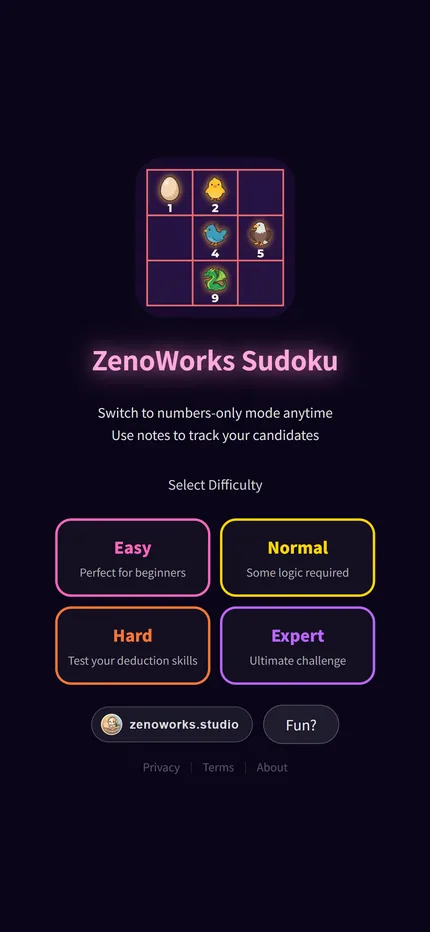
ZenoWorks Sudoku|Title screen
Title screen
ZenoWorks Sudoku|The board
The board
ZenoWorks Sudoku|Selecting a cell
Selecting a cell
ZenoWorks Sudoku|Notes mode
Notes mode